How to Track Your Expenses (Without Overcomplicating It)
Most people try to track expenses and quit within two weeks. Here's the simple system that actually sticks — and why your setup is probably the problem, not your discipline.
Most expense tracking systems fail in the first two weeks.
Not because people lose motivation. Because the setup is wrong from the start: too many categories, too much manual work, or a tool that makes the whole thing feel like a second job. People try once, fall behind for three days, and quit.
The system in this guide takes about ten minutes to set up and five minutes a week to maintain. That’s it.
Why most people fail at tracking expenses
The most common mistake is starting with a system designed for someone with a lot more time and patience. Thirty-category budgets. Daily logging rituals. Color-coded spreadsheets that look impressive and take forever to fill in.
The second mistake is treating every missed day as a failure.
It isn’t. The goal is visibility, not perfection.
A week where you logged four out of five days is still useful. A month where you logged three out of four weeks gives you real data.
The third mistake is reviewing too infrequently.
If you only look at your spending at the end of the month, you’re looking backwards. By then, the decisions have already been made.
The value of tracking is catching patterns early enough to do something about them.
The simple system that actually works
Three steps.
Step 1 — Pick one place to log everything
It doesn’t matter if it’s a spreadsheet, a notes app, or a dedicated tool.
What matters is one place, fast to open. If getting to it takes more than ten seconds, you won’t do it consistently.
Most people do better with a spreadsheet than a budgeting app, for one reason: you control the structure.
Apps make decisions for you — categories you don’t want, syncing that breaks, interfaces that change. A spreadsheet is yours. You build it once and it works.
A personal finance tracker skips the setup entirely. The categories, monthly structure, and budget-vs-actual comparison are already built. You start entering numbers.
Step 2 — Categorize as you go (five categories, not thirty)
Most people use too many categories. The goal isn’t to know you spent $23 on coffee. It’s to know whether your spending matches what you thought you were doing with your money.
Five categories are enough:
| Category | What it includes |
|---|---|
| Housing | Rent, mortgage, utilities, insurance |
| Food | Groceries, restaurants, coffee, delivery |
| Transport | Car, fuel, public transport, parking |
| Subscriptions | Streaming, software, memberships |
| Everything else | Clothes, gifts, entertainment, one-offs |
Log the amount and the category. That’s it. You don’t need subcategories until you’re already doing this consistently.
Step 3 — Review once a week (ten minutes)
Pick a day. Sunday evening works for most people. Open your tracker, add anything you missed, and answer one question: is my actual spending close to what I planned?
If yes, you’re on track. If not, one category is usually the reason. Food, subscriptions, or the catch-all is almost always where the gap is.
A weekly ten-minute check is more useful than daily logging you never review.
What you’ll find in the first month
Food costs more than expected.
Not just restaurants — groceries too. Delivery apps, lunch habits, the general cost of eating. It adds up faster than most people think.
Subscriptions are invisible until they’re not.
You’ll find services you’ve been paying for on autopilot. Some you’d completely forgotten. Auditing your subscriptions usually surfaces $80–$120 a month in easy cuts.
The catch-all category is where things actually break down.
It’s not the big expenses that derail a budget. It’s the steady accumulation of small purchases — harmless one at a time, embarrassing in total.
Budget vs actual
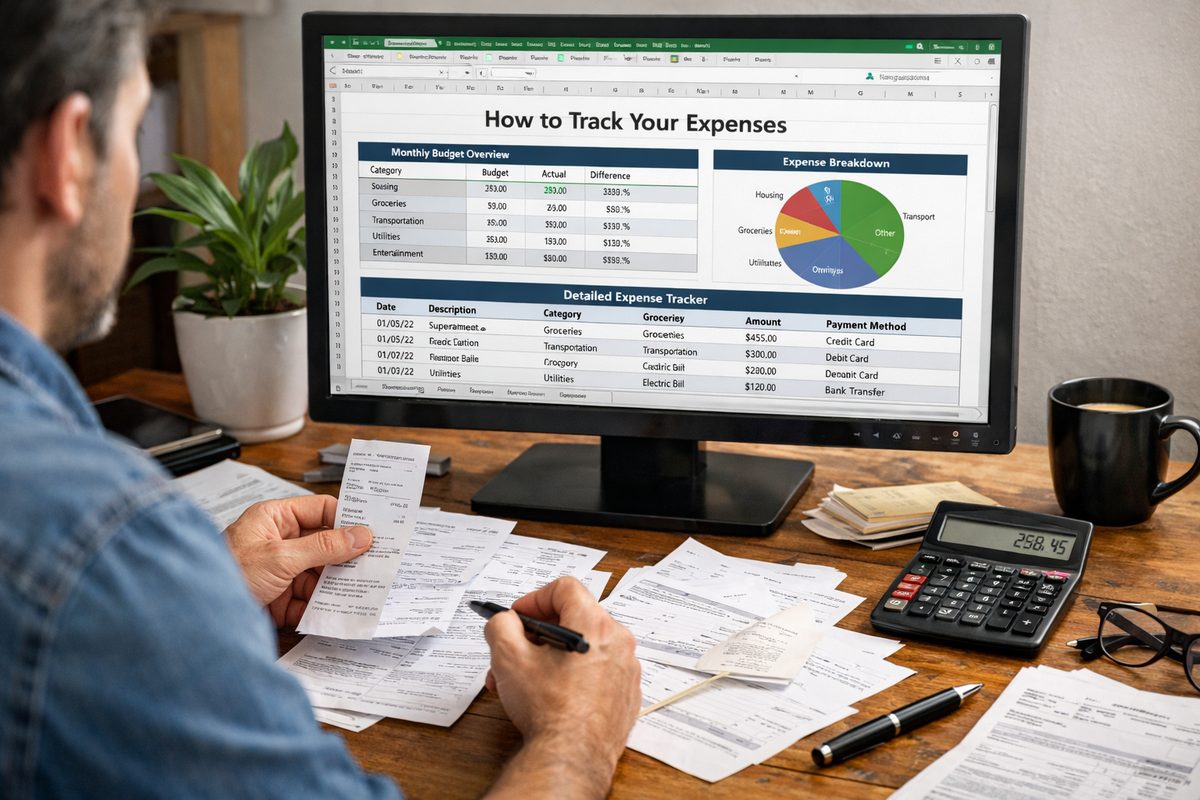
Logging what you spend is step one. Comparing it to what you planned is where the work actually happens.
The gap between budget and actual, by category, each month — that’s the number that tells you something.
A budget that’s never compared to reality is just a wish list.
If you’re spending 20% more on food than you planned, that’s actionable. If you’re consistently underspending on entertainment, maybe you redirect it somewhere. The pattern only shows up when you look at both numbers together.
A monthly budget spreadsheet handles this automatically. Every category shows the planned amount, what you actually spent, and the difference. You’re not doing the math manually.
Common mistakes after the first month
One expensive week doesn’t break anything.
The mistake is treating it like a reason to stop. Come back, log what you remember, keep going.
The value is in the trend over months, not the accuracy of individual days.
If food is always over budget, adding more categories won’t fix it.
Splitting “food” into twelve subcategories is a way of feeling productive while avoiding the real question: which part is the problem? Delivery? Groceries? Lunch at work? Find the one. Fix that.
And if you’re consistently over budget in a category and doing nothing about it, you’re documenting overspending, not managing it.
Tracking is the means, not the goal.
If you want to skip the setup, this expense and budget tracker has the category structure, monthly layout, and budget-vs-actual comparison already built in. Open it, enter your numbers, done. Most people have a full picture of their spending within a week.
People also ask
What is the easiest way to track expenses?
A spreadsheet with five broad categories: housing, food, transport, subscriptions, and everything else. Log each expense when it happens or at the end of the day, and review once a week. Apps can work, but they tend to add friction that causes people to quit. A personal finance tracker spreadsheet gives you the same structure without the overhead.
How do I track my expenses for the first time?
Pull up your last month of bank and credit card statements. Go through each transaction and assign it to one of five categories. Add them up. That’s your baseline — what you actually spent last month. From there, decide whether those numbers match what you want to be spending and set a target for next month.
How often should I review my expenses?
Once a week. Monthly reviews are too infrequent — by the time you spot a problem, you’ve already spent through most of the month. A ten-minute weekly check gives you time to adjust before the pattern repeats.
What categories should I use for expense tracking?
Five categories cover most of it: housing, food, transport, subscriptions, and a catch-all. Most people over-categorize early on. Thirty categories sounds thorough but makes logging slow enough that people stop doing it. Start simple, add detail later if a specific category needs more visibility.
Is a spreadsheet or an app better for tracking expenses?
Spreadsheets, for most people who actually stick with it. You control the structure, nothing syncs unexpectedly, and there’s no subscription. A ready-made budget tracker spreadsheet gives you the structure of a real tool without the app overhead.
How do I track expenses if my income is irregular?
Same process, but set your budget based on your minimum expected income, not your average. Anything above the minimum goes into a buffer first. Once the buffer covers one month of expenses, you can start treating the income as more predictable. Categories and weekly reviews work the same regardless.
From this article
Personal Finance
Budget & Personal Finance Tracker
Stop wondering where your money goes. Track every euro, every month — and finally take control of your finances.