How to Cancel Subscriptions Without Losing Access (and When You Shouldn't)
Most people keep subscriptions they don't need because they're afraid of losing data or access. Here's the framework to cancel the smart way — and what to do before you hit that button.
You already know you should cancel some subscriptions. You’ve thought about it. But you still haven’t done it.
The reason is usually one of three things you’ve told yourself: you might need it again and lose your data, you might use it next month, or you’ll deal with it later.
None of these are irrational. They’re just rarely true.
And the services know it — the whole model depends on you not getting around to canceling.
This guide is about how to cancel without the regret, and how to figure out, before you touch anything, whether you should pause, downgrade, or actually walk away.
Why people keep paying for things they don’t use
The knowledge isn’t the problem. Most people already know they’re wasting money. What stops them is more specific.
The first is data anxiety. If you cancel your cloud storage plan, does your data disappear? If you cancel a project management tool, do you lose everything you’ve saved? Sometimes yes, sometimes no. Most people don’t find out, so they keep paying to avoid the risk. (Spoiler: the grace periods are usually longer than you think. More on that below.)
The second is the “someday” logic. You used it constantly a couple of years ago. Maybe you’ll get back into it.
The monthly charge is small enough that canceling never feels urgent. So it renews. Every month.
The third is just friction.
Canceling takes two minutes, but those two minutes involve finding the right settings page, possibly a chat with support, possibly a retention flow designed to wear you down.
“I’ll do it this weekend” is how subscriptions survive for years after you stopped caring about them.
The average household now pays for 12–15 recurring services. Most people think they have 5 or 6.
Cancel, pause, or downgrade — how to decide
Before you do anything, run each subscription through this:
| Decision | When it applies |
|---|---|
| Keep | You use it regularly. Cost per use is under $5. |
| Downgrade | You use it, but not enough to justify the tier you’re on. |
| Pause | You’re not sure, or you use it seasonally. Pause 1–3 months, then decide. |
| Cancel | You haven’t opened it in 30+ days, or the math is embarrassing. |
The downgrade is the move most people skip. Most services have a cheaper tier that covers the majority of what a normal person actually uses. Going from a $20 plan to an $8 plan isn’t canceling — you keep access, you keep your data, you just stop paying for features you weren’t touching anyway.
Pausing is also more available than people realize. Netflix, Spotify, most gym apps, many SaaS tools — a lot of them let you freeze your account for 1 to 3 months without losing anything. If you’re genuinely on the fence, pause it. If you don’t miss it in 30 days, the decision makes itself.
A simple rule: if you haven’t opened it in 30 days and can’t name a specific reason you’re about to, cancel it.
What actually happens to your data when you cancel
This is the thing that keeps most people from pulling the trigger.
Worth going through by category.
Cloud storage (iCloud, Google One, Dropbox, OneDrive): downgrading or canceling typically gives you 30 to 90 days before anything gets deleted. You won’t lose files on the spot — you’ll get warnings first. Download what you need, or move it to local storage, then cancel.
Software tools (Notion, Adobe, Canva, project management apps): most of these let you export your data before you leave. Notion exports to markdown or PDF. Adobe lets you download your files. Canva keeps your designs on the free tier. The move is to export first, then downgrade to free and test it for a couple of weeks before you fully cancel.
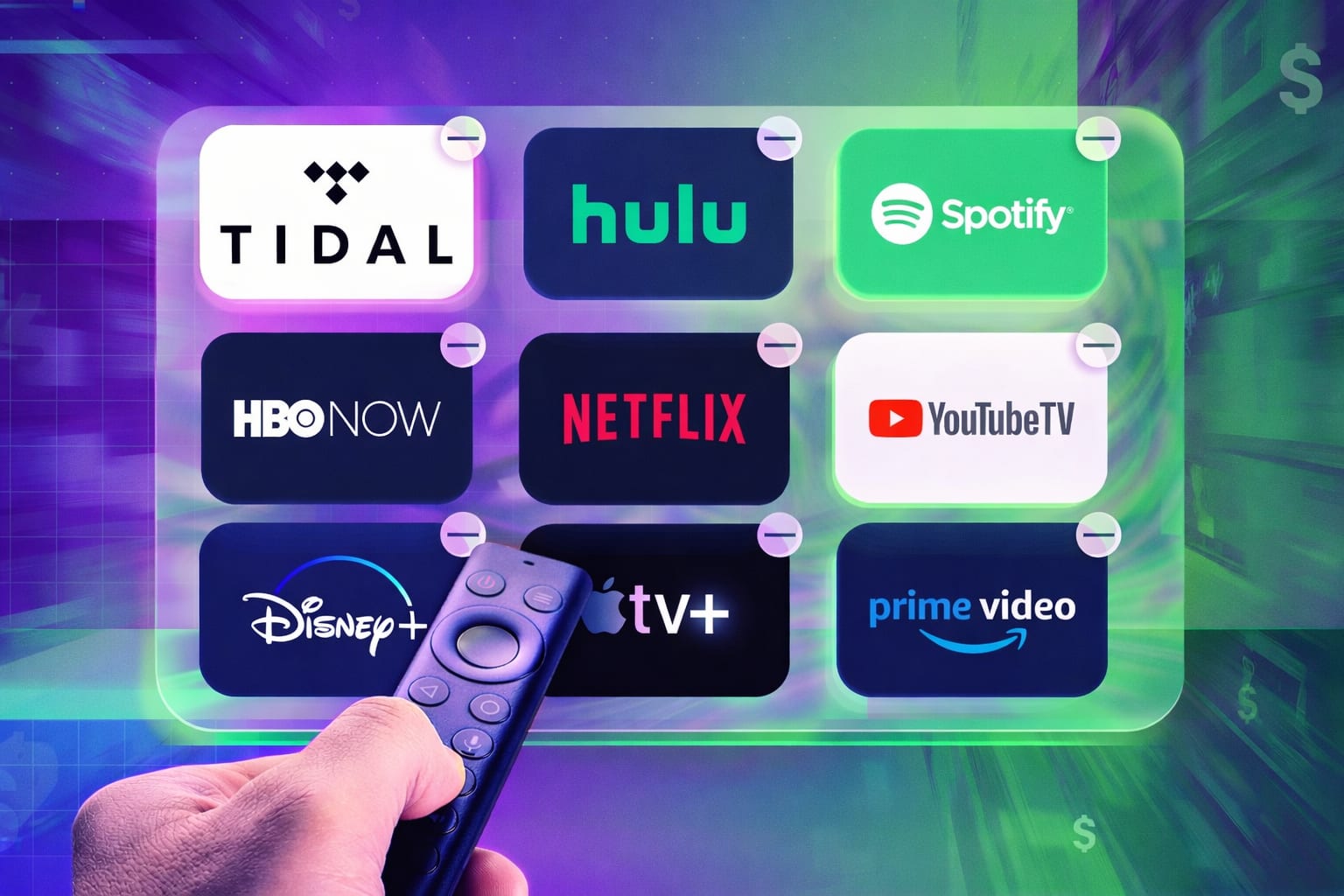
Streaming (Netflix, Disney+, HBO, Spotify, Apple Music): there’s nothing to lose here. Your watch history and playlists may or may not survive a resubscription depending on the service, but no data is at real risk. These are the easiest ones to cancel with zero second-guessing.
Fitness apps (Calm, Headspace, Peloton): your progress data is tied to your account and comes back if you resubscribe. Check whether an annual plan is cheaper if you’re planning to return. Otherwise, just cancel — your data will be there.
Cancel on the last day of your billing cycle
Most subscriptions give you access through the end of whatever period you’ve already paid for, no matter when you cancel. So if your billing date is the 15th and today is the 14th, you get the full month — and then it stops. Canceling right after a billing date means you’ve just paid for a month you’re not going to use.
Find your billing date in account settings — usually under Billing or Subscription — or search your email for “renewal” from that service.
Then cancel as close to that date as you can.
The practical version: when you decide to cancel something, don’t put it off. Cancel it today. You keep access until the period ends regardless.
Before you cancel — a quick checklist
Work through this before you click anything:
- Does this service store data you need? If yes, export it before you do anything else.
- Is there a pause option? Check account settings — a lot of services have it and don’t surface it.
- Is there a cheaper tier? Free plan, lower plan, anything that lets you keep access at a lower cost?
- What’s your billing date? Cancel now, but know when access actually ends.
- If you plan to keep it, is an annual plan cheaper? Sometimes 30–40% cheaper than monthly.
- Actually cancel, don’t just stop using it. Stopping usage doesn’t stop the charges. You have to go cancel.
If you haven’t audited your subscriptions yet, The $1,000 Leak Detector is a spreadsheet that lists everything, calculates your real yearly spend, and scores each one: Keep / Maybe Cut / Cut It. It also runs a 5-year projection on your savings. Most people find $80–$120 a month they can cut without actually missing anything.
After you cancel
You’ve cut a few things. Maybe $60, maybe $120 a month freed up.
Whether that matters depends entirely on what you do next.
If it bleeds back into general spending, the whole exercise was a wash. Redirect it somewhere with a destination — an emergency fund, investments, faster debt paydown.
The math is worth knowing: $80 a month invested at 7% annual return is roughly $5,700 after five years. That’s what most people are quietly letting evaporate in forgotten subscription charges. Canceling the subscriptions is the easy part.
People also ask
Can I cancel a subscription and still keep my data?
Usually, yes — for a while. Most services give you 30 to 90 days to download your data before anything gets deleted. Cloud storage services like Google One and Dropbox are generous with grace periods. For software tools, export before you cancel. For streaming and fitness apps, there’s rarely any data at risk.
What’s the difference between pausing and canceling a subscription?
Pausing keeps your account and data intact but stops billing for a fixed period, typically 1 to 3 months. Canceling ends the subscription and billing permanently, though you usually keep access through the end of the paid period. If you’re not sure whether you want a service back, pause it first.
When is the best time to cancel a subscription?
As close to your billing date as possible — ideally the day before. You keep access until the period ends, so you get the full value of what you’ve already paid. Canceling right after a billing date wastes up to a month of access you’ve already paid for.
How do I find subscriptions I forgot about?
Check your bank and credit card statements for the last 3 months and look for recurring charges. Also search your email for “renewal”, “receipt”, and “thank you for subscribing”. The $1,000 Leak Detector gives you a structured place to log everything and figure out what to cut first.
Should I cancel or downgrade my subscription?
Downgrade if you actually use the service but don’t need the premium tier — you keep access and cut costs significantly. Cancel if you’re not using it, or if even the basic plan isn’t worth the price. Most services have a cheaper tier that covers what most people actually need, and most people never check whether it exists.
From this article
Personal Finance
The $1,000 Leak Detector
Find every hidden subscription draining your budget. See the real yearly cost. Cut what you don't need. It takes 30 minutes.